 Daniel Vos
Before ordering an ERD belt, the most useful thing is not to judge "does it look like the real thing" based on the main product image, but to confirm that the product detail page, specifications, and QC photos point to the same item. This guide focuses on one clear task: before shipping, check the buckle, connection points, edges, holes, stitching, and size references in the photos, and pause the purchase if images are insufficient or cannot be matched. 🧭 T
Editor score 4.2 / 5
Before ordering an ERD belt, the most useful thing is not to judge "does it look like the real thing" based on the main product image, but to confirm that the product detail page, specifications, and QC photos point to the same item. This guide focuses on one clear task: before shipping, check the buckle, connection points, edges, holes, stitching, and size references in the photos, and pause the purchase if images are insufficient or cannot be matched. 🧭
This article only distinguishes visible evidence from editorial judgment, and does not guarantee authenticity, durability, or final quality. Details in the images must be based on the actual QC original photos; prices, stock, sizes, materials, sellers, and return conditions on the product page should also be reconfirmed on the day of ordering. 📌
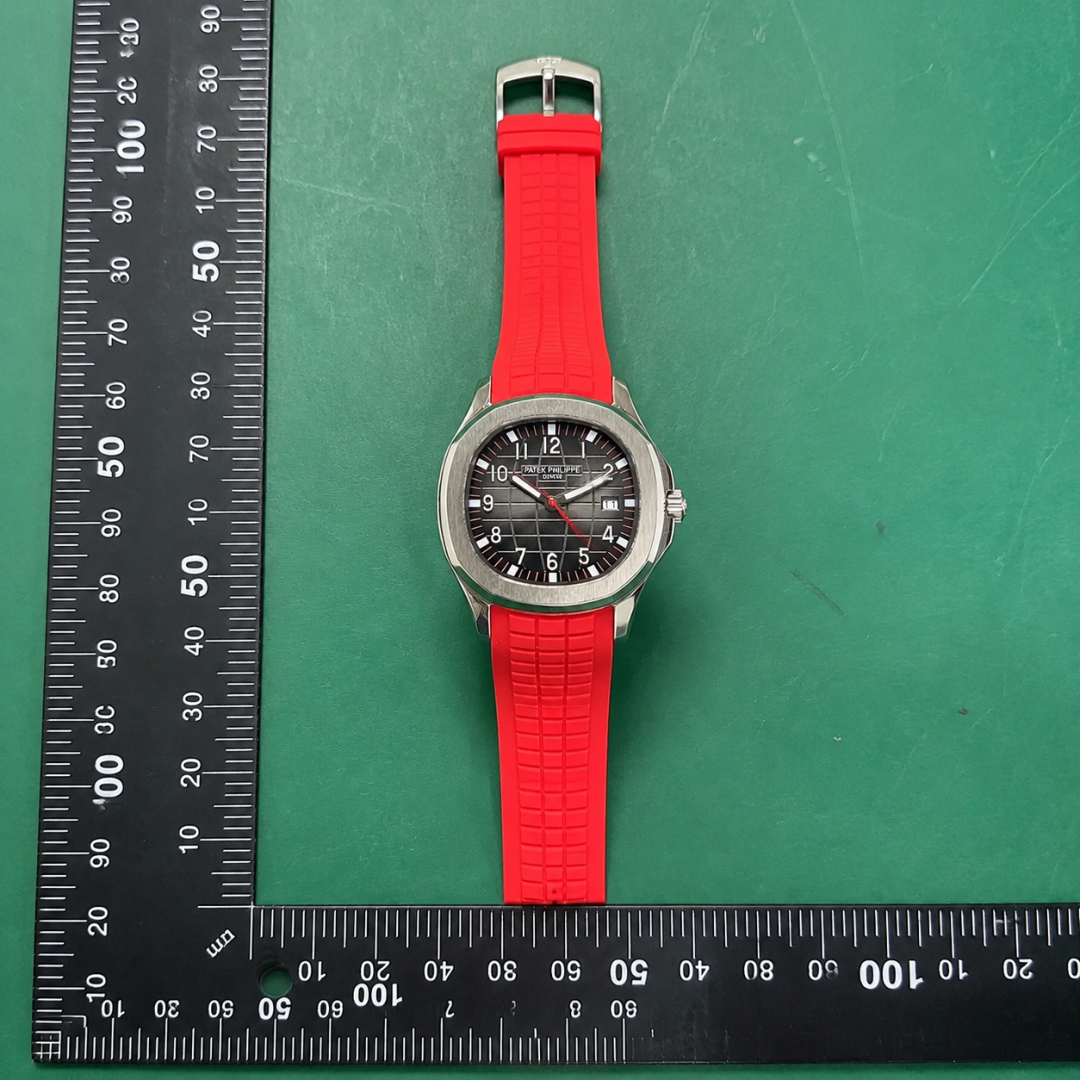
Image: Designated QC image. Before publishing or ordering, reconfirm that the image actually corresponds to the ERD belt product, not another product or reference page.
Clarify the QC Verification Task and Evidence Boundaries for the ERD Belt
The goal of this check is not to determine if a belt is "authentic" or "perfect", but to confirm whether the images support the following purchase decision:
- Whether the buckle, prong, connection points, and other hardware have clearly visible dents, scratches, oxidation, fading, or obvious misalignment.
- Whether the belt edges have separation, fraying, creases, uneven color, or untreated areas.
- Whether the holes, stitching, prints, and size references are clear enough to be cross-checked with the specifications on the product detail page.
- Whether the images cover the front, back, buckle connection, tail end, and key edges.
- Whether, if issues are found, actionable answers can be obtained through additional photos or pre-sale consultation.
"No issues seen in the images" only means the current images do not show any problems, not that the product is free of hidden defects. Blur, reflections, obstructions, and insufficient angles should be recorded as evidence limitations. 🔍
Confirm the Target Belt and Page Status from the fashion-reps Product Detail Page
First open the product detail page on fashion-reps clearly labeled as an ERD belt; do not start from the homepage, brand page, search result thumbnails, or QC pages of other products. Confirm that the page at least has a clear product name, a purchasable or queryable status, and sufficient specifications for cross-checking.
It is recommended to first record the following:
- The product name and style description displayed on the page.
- The length, width, size range, buckle material, or other specifications provided on the product page.
- Whether the product page shows in stock, out of stock, delisted, redirected, or an abnormal blank status.
- The current price, currency, and possible service fees, international shipping, or other charges.
- Whether the page has seller, color, size, or style options, and whether the selected option can correspond to the QC images.
If the page redirects to another product, fails to load clear product information, or only displays tags and category content, it cannot be used as the target page for this QC check. When the product page status does not match the QC image status, pause the order first. ⚠️
Enter the QC Gallery for the Corresponding Product via View QC Photos
After confirming the target product detail page, look for an entry named View QC Photos on that page. You must enter the corresponding gallery from that product page; do not manually guess QC addresses, and do not use images from other products as substitutes.
After entering, first check the gallery context:
- Whether the page still shows ERD belt or the same style name.
- Whether the number of images is sufficient to cover the buckle, belt body, holes, tail end, and back.
- Whether the colors, buckle shapes, print positions, or size markings in the images match the options on the product page.
- Whether multiple colors or sizes are mixed in the same gallery.
- Whether the images are clear original files, not search thumbnails, brand page main images, or screenshots of unknown origin.
If the gallery has no product name, the images belong to another style, or it is impossible to determine which option the images correspond to, the details cannot be written as confirmed facts about the ERD belt. At this point, "correspondence not confirmed" should be recorded as a reason to stop.
Check Visible Evidence of Belt Buckle, Connection Points, and Hardware Surfaces
The belt buckle is the area most easily misled by reflections and angles in QC images. Priority should be given to viewing the front, side, back, and the connection between the buckle and the belt body, rather than just one distant overall shot.
When checking, you can record in the following order:
- Whether the buckle surface has continuous scratches, dents, dings, fading, or localized color abnormalities.
- Whether the buckle frame, prong, and hinge are in normal positions, with no obvious misalignment or assembly gaps.
- Whether the hardware edges have burrs, sharp notches, or uneven polishing.
- Whether the connection between the buckle and the belt shows gaps, wrinkles, separation, or deformation under stress.
- Whether reflective areas obscure key surfaces; if so, request additional photos rather than making assumptions.
Visible scratches, spots, or slight color differences can only be described as appearance phenomena in the images. Whether they affect use and whether they can be returned or exchanged still needs to be confirmed with the seller's or platform's after-sales rules; do not promise outcomes based solely on photos.
Check Edge Treatment, Holes, Stitching, and Overall Size References
The belt edge should be viewed separately for the long sides, tail end, around the holes, and near the buckle. The focus is not on finding "completely flawless", but on determining whether issues are continuous, concentrated in stress areas, and whether the images are clear enough.
It is recommended to check the following items:
- Whether the edges are smooth, free of separation, delamination, fraying, obvious creases, or color breaks.
- Whether the holes are evenly spaced, and whether the hole edges have tears, deformation, or obvious burrs.
- Whether the stitching is continuous, the stitch spacing is roughly even, and there are no skipped stitches, broken threads, loose threads, or misaligned stitching.
- Whether prints, embossing, or text remain clear at different angles; if affected by lighting and cannot be determined, mark as unconfirmable.
- Whether the tail end and near the buckle have obvious uneven cuts, creases, or local deformation.
- Whether the QC images provide a ruler, measuring tool, or other interpretable size reference.
When there is no ruler or clear reference object, length, width, or waist fit range should not be inferred from image proportions. Product page specifications only indicate the dimensions stated on the page and cannot replace actual QC measurements of the item. If actual size is important for the purchase decision, request additional photos with a ruler and confirm the measurement method.
Keep QC Image Facts, Product Page Specs, and Editorial Judgments Separate
To avoid writing speculation as fact, use a three-column record method:
- QC image facts: Only write what is actually visible in the images, e.g., "There is a reflective area on the right side of the buckle face; at this angle, it cannot be determined whether it is a scratch."
- Product page specs: Only write what is explicitly listed on the detail page, such as the stated length, width, color, or available sizes.
- Editorial judgment: Explain the impact of this evidence on the purchase decision, e.g., "Lacking images with a ruler, the length cannot be confirmed to meet the requirement."
Do not use words like "authentic", "original factory", "guaranteed durable", "flawless", or "definitely fits" that cannot be proven by current evidence. Also, do not substitute the clean appearance of the main product image, platform promotional language, or reviews of other products for QC evidence of this ERD belt.
If records need to be kept, it is recommended to also save the product page status, QC image viewing date, selected color or size, and the specific questions for additional photo requests. Price, inventory, shipping, taxes, and return windows are highly volatile; when checking, note the date, destination country, and currency.
Stop Conditions When Images Are Missing, Blurry, or Cannot Be Matched to the Product
If any of the following occurs, do not proceed directly to purchase or shipping decisions:
- The product detail page cannot be confirmed as an ERD belt.
- View QC Photos does not exist, cannot be opened, or redirects to another product.
- QC images contain multiple styles, colors, or sizes without clear labeling.
- Key areas are obscured by reflections, shadows, packaging, or cropping.
- Necessary views of the buckle connection, edges, holes, tail end, or back are missing.
- Images cannot provide a size reference, and size is a critical condition for the purchase decision.
- Images clearly do not match the product page's color, buckle, print, or specifications.
Stopping does not mean the product necessarily has problems, only that the current evidence is insufficient. At this point, save the task, do not place repeated orders, and do not skip verification because the page is about to expire or stock warnings appear.
After Verification: Additional Photos, Consultation, and Purchase Decision
If the main concerns can be resolved through images, make specific additional photo requests, for example:
- Please provide clear photos of the buckle from the front, side, and back.
- Please provide close-up photos of the connection between the buckle and the belt body.
- Please provide a photo of the entire belt laid flat with a ruler.
- Please provide close-up photos of the holes, edges, tail end, and stitching.
- Please confirm the color, size, and product option corresponding to the images.
After receiving additional photos, recheck whether the images actually correspond to the target product, and keep the new evidence separate from the original records. If the additional photos still cannot resolve key concerns, choose not to purchase, switch to another verifiable option, or wait for more complete product information.
The final decision can be handled in three categories:
- Sufficient evidence: The product page, QC gallery, options, and size information can correspond to each other, and no unacceptable visible issues are found; you can proceed to confirm costs and after-sales conditions.
- Limited evidence: There are minor appearance concerns or insufficient size references; consult first and wait for additional photos, do not treat uncertain content as a qualified conclusion.
- Insufficient evidence: Product identity, QC correspondence, or key areas cannot be confirmed; stop the purchase.
This verification method cannot guarantee that the belt is authentic, durable, or aesthetically pleasing to the individual; it can only help buyers reduce risks caused by missing images, product mismatch, size misjudgment, and visible defects.